....

Don't miss another freebie, sale, or special announcement!
Use the newsletter sign-up forms right over there --->
Pick the one that fits your interests: Regular newsletter or CU only.

Sunday, December 12, 2010

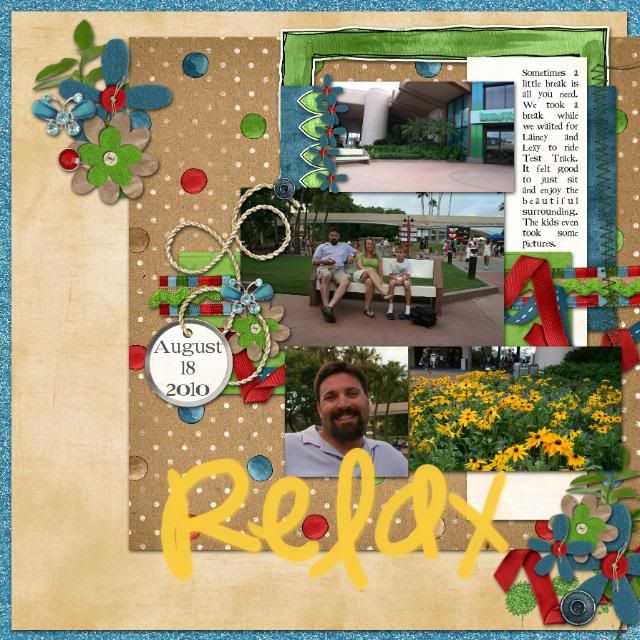
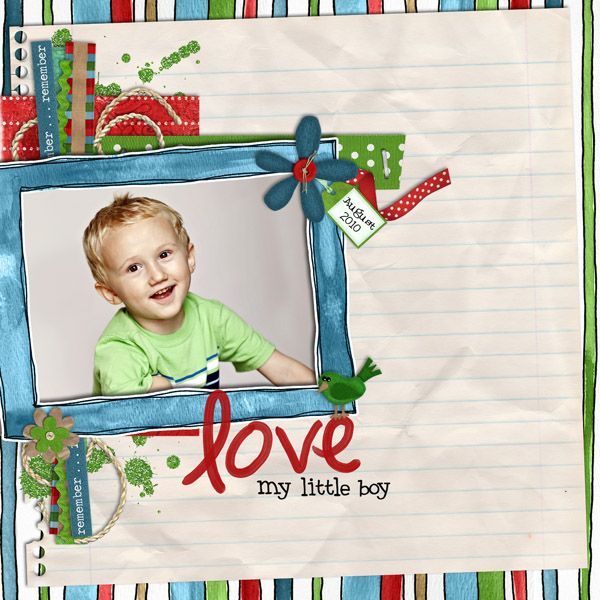
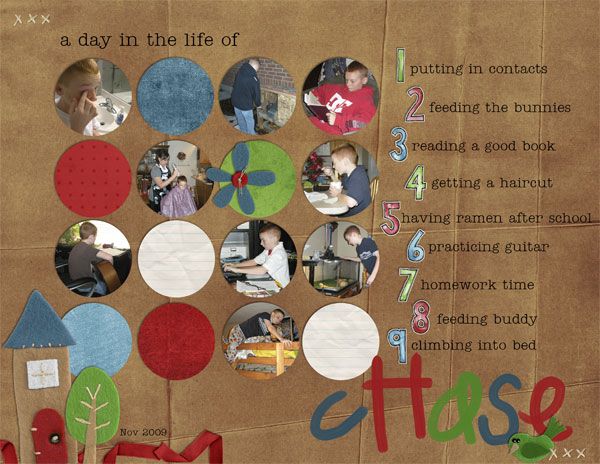
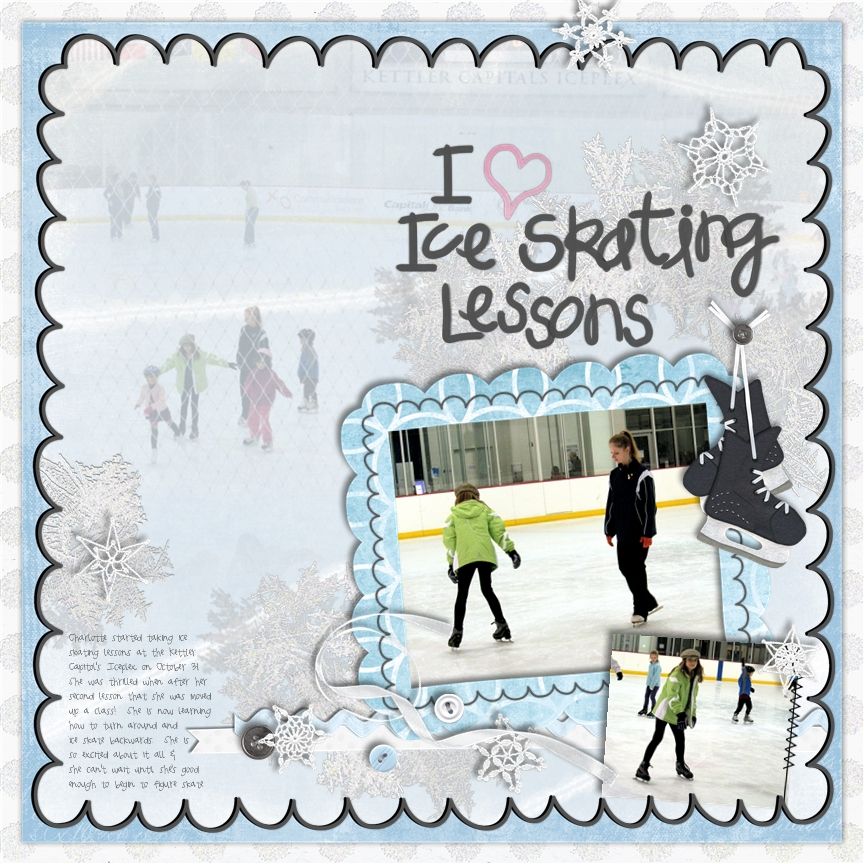
CT Spotlight: Breon (breeoxd)

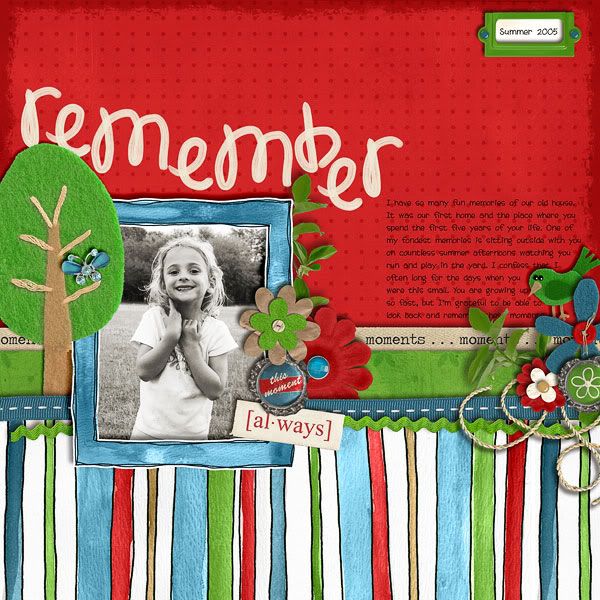
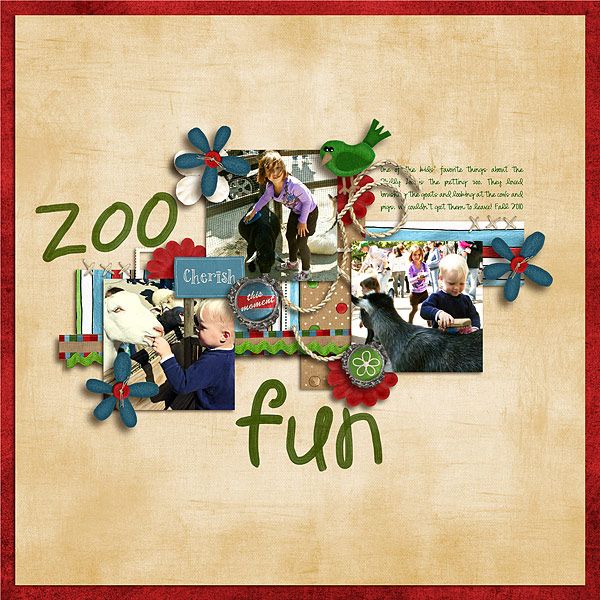
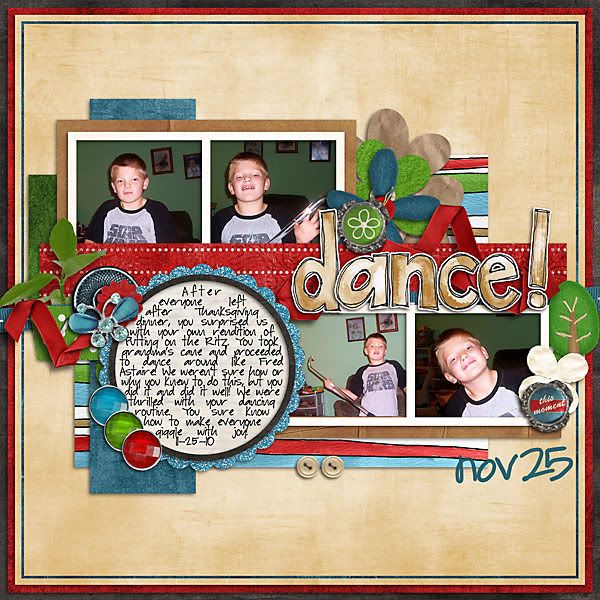
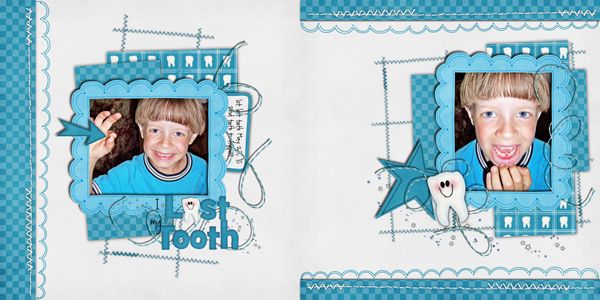
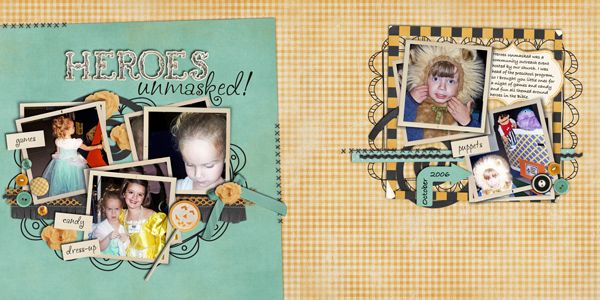
I have the pleasure of serving on a couple of CTs with this talented scrapper. She's got quite a variety of styles, from single to multi-photo, layered and clustered to clean and simple, busy pages to lots of white space, she's done it all! Just check out her gallery and you'll see how unique her pages are.

Without futher ado...I present to you Breon (breeoxd)!

1) How did you get into digiscrapping?

I was a paper salesman for some major art and craft chains, which meant I was on the road for 3 weeks a month or so. I was passionate about paper, and scrapping, but packing up my giant rolling totes to take to my hotel rooms took it's toll on my creativity ( and my back!!!) Then I saw my boyfriend's twin doing work in Photoshop and it hit me- "hey, that would be good for scrapping!" A week or so later I had a layout I was proud of. A magic moment!

2) A short bio about yourself

I'm a 29 year old pharmacy technician thats studying for my national certification. I live with my boyfriend of 5 years in VA with our cat, Theo, and our new puppy, Max. In my spare time I scrap, run, and surf the net lookin for rare nailpolish. What can i say, it's and obsession! haha

3) What can't you live without on your pages?
Lots of paper! And paint splatters. And texty grunge stuff :) Basically, anything that makes a layout look more realisitic.

4) Where do you get your inspiration from?
Templates, for sure. And colors! I love color! Other than that I like to lift other great scrappers, and magazines.

5) Do you struggle with anything when scrapping a LO?

I sometimes struggle with making my layouts all feel original. After over a 1000 layouts, I sometimes feel like it's "all been done", so I need to step away for a little bit, sometimes a few days, and just wrap my head around some fresh ideas.

6) What's your fave color?
Color varies, usually deep and dusky tones, like reds, teals, grays, mustard yellows. Yeah, grey and yellow is really doin it for me lately.
Snack?
Snack- pretzel m&ms, and diet coke. I am a big foodie so I eat alot!
Movie?
My fav movie is Love actually.
Music?
Music is mostly popular indie type rock like Placebo and HIM.

7) What would you do if you won the lotto?

Pay off all my student loans, take a cruise, get a pharmacist or nursing degree, and buy a house for my hardworking honey. And of course, finally print out all my layouts for once!

8) A little known fact about you?

I feel bad for brusied and rotted veggies and fruit at the market. I know it's wierd but i just can't help it. That, and I once sang the role of Christine in the Phantom of the Opera at the Magic Kingdom!

Hope you got to know Bre a bit more and get inspired by her awesome gallery! Here are some of my personal favorites:


Saturday, December 11, 2010

It's time for another RAK...who wants to win their choice of a holiday kit from Chelle's Creations?

Hi everyone, Janine here and Chelle is feeling generous so she's letting me give away TWO copies of her Christmas kits...and the best part is YOU get to pick which one you would like to have!

Check out these amazing holiday kits that Chelle has in her store:

Gingerbread:


O Come Let Us Adore Him:


Homemade Christmas:


Ho! Ho! Ho!:


and Holly Jolly Holiday:


So what do you have to do to win? All you have to do is post which of these kits you would like to have and why it is your choice at ONE of the following sites below before Thursday December 17th at 10 PM Central Standard Time for your chance to win that kit for free as a gift from Chelle's Creations....so go post your choice and why now!

ScrapMatters

DST

DSA


Good luck everyone!

Friday, December 10, 2010

New Release Friday: Holiday Gift Tags, Beary Cute Combos and New CU!

It is Friday and Chelle has three new products out this week.  First up is an awesome set of holiday gift tags.  Created by Chelle’s CT team and featuring all of Chelle’s holiday kits.  Sized at 4” x 6” sheets, you can easily print at home or your local store.

They look great on gifts, despite my dark photos.  LOL!


Need a quick gift for Grandma & Grandpa?  Maybe some cuteness for DH's desk at work?  Or something for Aunt-Sue-who-has-everything?  How about some pics of the baby?
Next up is a couple of combo packs of baby quickpages.  Using Chelle’s baby kits, you can purchase either a girl set, a boy set, or the super combo with contains all of the quickpages.
And last but certainly not least, Chelle has released a new CU product.  With these doodly CU starters, you are well on your way to creating fun elements and papers.

And that is it!  Have a fabulous weekend!

Thursday, December 9, 2010

Sneak Peek Thursday!

Ho! Ho! Ho! Scrappers! Jami here bringing you a peek for something Chelle is bringing to the store tomorrow!


Be sure to stop back by the blog tomorrow to see the full reveal!!!

HAPPY HOLIDAYS!

Wednesday, December 8, 2010

Trimming Tips!

Hi Everyone! It's Jenn (jk703) here today to bring you some info about your precious scrapping and computer space!!!!

We all love our digi supplies, right?!? We've got to make sure we are clearing some room on those hard drives so that you can get some more goodies at Chelle's awesome store! I'm sure you are like me, and there is a ton of kits and ellies in your wish lists!

For my examples I used Chelle's Kit, Tell Me More that comes included with her Journaling Class! It is an AWESOME kit, and the Alpha is fantastic! Sign up today! It starts in January 2011!

When you create a layout, many times you place papers, ellies, and all those fun digital supplies on your layout - parts of those items are laying out in the out of bounds area! When you look at your layout, and click to move something, you might see this oversized bounding box:

This bounding box means that there are items hanging off your page and taking up space! Things that you might not be able to see on your layouts are taking up valuable hard drive space! Here is how we remove and save space:

Choose Select then All.

Once you choose to select All, you will see the marching ants around your layout. It should appear like this on your screen:


Next, you will choose Image > Crop. Click on this and your layout will be trimmed of all items that you cannot see hanging off your pages, and don't need to keep.


This does not delete hidden layers. Hidden layers can be deleted directly from your layers palette by right clicking on the layer and choosing delete.


Why is this important to do to each .psd file you might have? Space! A regular single page layout file can be trimmed and save over 10MB of space! That might not be a lot as a layout, but think of that times 10 layouts! 10MB x 10 single layouts = 1 GB of space! Keep doing that and you will allow your computer to be a little more efficient! Plus, the best part is that you get to fill that space with more digital goodies! Woot!

Hope that helps you free up some space! Let me know if you have any questions - would love to know how much you trimmed today!

Thanks!
Jenn
(jk703)

Tuesday, December 7, 2010

Tuesday Freebie!

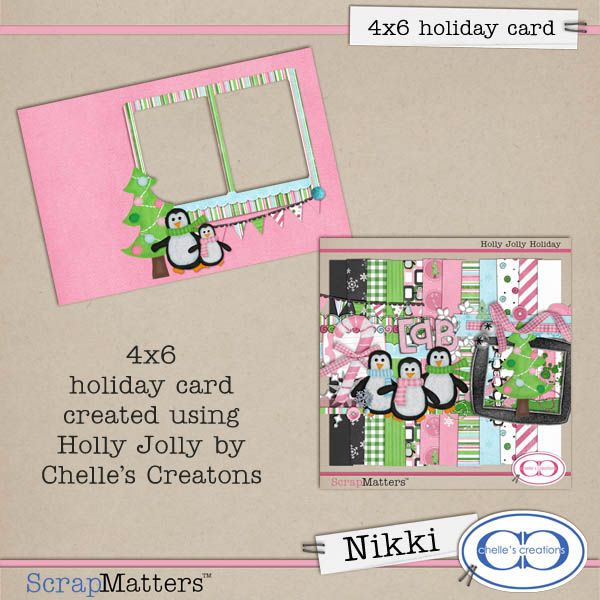
Hi everyone!! Nikki here and I am a guest this month for Chelle!! Today I have a cute little 4x6 holiday card freebie for you! I hope you enjoy it!

Monday, December 6, 2010

Hybrid Highlights!

Photobucket

Good Monday morning, everyone! Kendall here on this chilly December day to bring you another fabulous edition of Hybrid Highlights. I love browsing the Chelle's Creations gallery at ScrapMatters and seeing all of Chelle's awesome products in use. Lately, there have been some fantastic hybrid creations popping up all over the place! Here's a look at just a few of them.

First up is this precious birth announcement made by jennamy82 using Chelle's Beary Cute Baby Girl kit. Jenn made the announcement for her brand new niece, and what better way to celebrate a new addition to the family than this super-cute card?!

Photobucket

Krisi616 created this fabulously functional gift card holder using Chelle's cute new kit Holly Jolly Holiday.

Photobucket

Take a look at this photo CD holder made by quietangelsb using Chelle's Happy Elements, Happy Borders, Brackets, and Frames, Happy Papers, and Happy Alphas . What a fun way to keep all your family or special occasion photos stored in style!

Photobucket

Mom2my2monkeys also used the Happy Collection to create this pocket calendar cover. This is another fun way to display your photos throughout the year in a unique way.

Photobucket

I hope these hybrid projects have inspired you and helped you to see Chelle's products in a whole new light. If you have a fabulous hybrid creation made with one of Chelle's kits, link us up in the Comments section below. We'd love to see what you've done! Have a great week, everyone!

Sunday, December 5, 2010

Sunday CT Spotlight!

Good morning! It's Shanell here to bring you a wonderful edition of CT spotlight! It is so fun to get to know the other ladies that I work with and learn from them. I hope you have as much fun learning from Kayla today.

Now in the scrapbook world, our spotlight today is Keepscrappin. Her real name is Kayla and she's from Utah. Here are some things we talked about...

What is you fav Chelle product?
hmmm... I love them all, but my favorite has to be Wet Paint Alpha - I love to use it. It's a great go-to alpha, comes in several colors already, and is easily recolored to match any layout I'm working on. I have to resist the temptation to put it on every layout. Now, she did answer this before we saw the awesome new painted alpha from Chelle! We were all in a rave scrapping this week because we love her painted alphas.


How long have you been scrapping?
I've been scrapping for 14+ years. I was a paper scrapper first, but switched to digi almost 5 years ago when my youngest was born. My friend, Amy, told me she was learning digiand since I'm a computer geek I checked into it. I was skeptical at first; (I had thick paper layouts from all the fun embelishments) but I was hooked to digi instantly. Digi gives me so many more options, costs less, is less messy, and most importantly feeds my computer and scrapbooking addictions all in one!

How do you convert your pages to 11 x 8 1/2?
Do you open up your canvas and just crop it? or are you more scientific than that? Yes, and Yes! My process all depends on what the square template looks like. Most times I open the template and get my crop tool. I set the width to 11 in and the height to 8.5 in and the resolution to 300 ppi. Then, I drag a selection over a portion of the template. If I can select everything
from the template I want with the crop tool, I'm good to go. If not, I make another blank document that is 11 by 8.5 at 300 resolution and then go to the 12x12 template and select all the layers I want to use. While I have the layers selected in the layers palette, I right click on one of the layers and pick duplicate and use the drop down menus to copy those layers to my blank 11x8.5 document. Then, I switch over to the 11x8.5 doc and while those layers are still selected, I use the transform tool while holding down the alt key and resize down from a corner until everything fits on the page. I'll move things around a bit to suit my liking. Then I save the template with the original name and _LAN added to the end so I can use it again.

What made you convert to 11 x 8 1/2?
Well, actually I've always been a mostly rectangle scrapper. When I started paper scrapping, I did 8.5 x 11(portrait) pages and then, I started doing the grandma books that were 5.5x8.5, so all my 11x8.5(landscape)pages, are really two-page spreads. I cut them apart after printing to put in her books. My disney trip albums are 12x12, cuz that's what size the cute Mickey albums I bought are. I guess I just scrapbook whatever size suits the project I'm working on. I also like the 8.5x11 or 11x8.5 pages, cuz I can use regular sheet protectors and scrap
book albums that are available at my local SB store to store them. It's also cheaper to print 2 rectangle layouts on a 12x18 at Costco than 2 12x12 layouts. Oh and one more benefit of the landscape rectangle layouts is that my yearly calendars are a breeze, cuz I just use layouts I've already made for the grandma books for my monthly toppers. Yay for killing two birds with one stone!

What do you love about being on a CT?
Well, besides my CT discount. I love being one of the first to be able to scrap with all the latest and greatest products from my favorite designers. Being on a CT is also nice, cuz I
've met so many great scrappers/designers, and learned so much from them - both scrapping and IRL stuff too. You guys are my CT family... I love ya, girls! I also want to say that I love being on my CTs, and I'm so glad that some designers took a chance on me with all my rectangle layouts and let me CT for them! Thanks ladies! They've got the vision for just how versatile digi scrappin can be!

What do you struggle with as a scrapper?
hmmm... where do a start? I'm too slow. I'm a perfectionist, so I spend way too much time rearranging and trying different papers, ellies, etc on my layouts. That's one of the beauties of digi, but also one of the curses, since it's so easy to swap out things and try all
your options. I also have a hard time scrapping with just one kit. I'm getting better at it, but I still love mixing things from other kits. It's just gives me more options. I know, I know, that adds to my problem of being too slow

What do you love on your pages/what is your favorite thing to put
on pages?
I love clever TITLES. Every page has to have a title, although not every one is clever. I love to play with words, fonts, alphas, ellies to make my titles shine. I also love flowers - since they are prolly on just about every page I do and stitches are at the top of my favs
too!

What is a little known fact about you?
I hate football and my husband hates that I spend so much time scrapping, and thinks I love it more than him. He wants me to come watch sports with him. But really I don't love scrappin more than him, I just let him think that so he has something to razz me about. Hence my username - keepscrappin. I just gotta keep on scrappin to get it all done. Maybe
someday, I'll get caught up and can watch the football game with him. NOT! I really do hate football!

Here are a few of Kayla's layouts:
Her most recent layout with the new painted love alpha:


Her favorite Chelle layout:


And one more, because I loved this layout!


The images are linked to Kayla's gallery so you can check out all her credits and leave some love. Thanks Kayla, for letting us get to know you better! Have a great Sunday!

Saturday, December 4, 2010

Saturday Standouts!

Hello everyone!

Welcome to the first addition of Saturday Standouts for December! Chelle's gallery is filled with lots of gorgeous pages, and here a few in no particular order...

Mini Golf by notes4theheart


b-day by JillyFish


Christmas Card 2010 by Cristina


so be sure to add your pages to Chelle's gallery, and maybe you'll find yourself on the Standouts too!

Friday, December 3, 2010

New Release Friday: Painted Love Alpha, CU Snowflakes and Tell Me More Journaling Class is BACK!

It is Friday and Chelle has some wonderful new releases.  First off, Chelle’s grab bags has been revealed and the contents are now available as individual products. She also has a really awesome alpha Painted Love available today.  You can actually see the brushstrokes!  And it recolors like a dream. Chelle also has a new CU product available.  These are really cool crochet snowflakes.
And finally, Tell Me More Journaling Class will be back in January 2011.  Taught by Chelle, it gives you tips and tricks on getting your story on the page.  And it comes with an awesome kit! And here are some layouts the CT made using the alpha and Tell Me More:
Janine: Liz: Jenn: Kassie:
Kayla: Jan: Kendall: Tracy: Fran:
And here is a little blog freebie:

Thursday, December 2, 2010

Sneaky Peeky

Morning! Fran here with this week's sneak peek! You will love this fun stuff of Chelle's!


Come back tomorrow for the full scoop!

Wednesday, December 1, 2010

How'd I Do That? - Double Pages

Hello! How are you this fine December day? It’s How’d I Do That? Wednesday, and I’m merchi aka Karen here with some tips just for you! I hope you’re having a wonderful holiday season! I did most of my shopping on Black Friday, and now I’ve just some wrapping to do!

I’ve been asked to share how I create my two-page layouts. Well, way back when, shortly after I started digi-scrapping, I read a tutorial that talked of “flow”…that particular tut was referring to putting your pages together in a book, and how the colors, story or elements on each page should flow together. At the time, I was only doing single page layouts, and so I started mixing up my pages as if I was putting them in a book…looking for that flow. Pretty nearly at once I realized if I focused on “flow” I was losing the chronological order of my pages – well, I couldn’t have that! lol That is when I decided to do double-page layouts…so I could have the “flow” and not lose the chronological order of things.

Right, there’s some background for you… This is my typical procedure… I pick my photos and my kit and if I want to, I grab a template. Sometimes I use the same template on both halves, sometimes I use two different templates. If I want to use the same one, I will rotate or flip it for the second page so that they are not identical.
Here’s an example using Chelle’s kit Pearly Whites:


As you can see, I’ve used pretty much the same papers and elements on both sides of the page, but they look a bit different because the one template has been flipped/rotated. Sometimes the flip is obvious as in the above example…and sometimes not so obvious as in the example below where I used Tell Me More:


And then a third option is to switch out the papers of the second page – you can do this whether you’ve used the same template or not. When using the same kit, why not get the most bang for the buck by using a variety of papers! If you like the stacked paper look for a background, simply rearranging the order of the stack can give a very different look to each side…see the two examples below…

For this one I used Bug Catcher


and for this one I used All Hallows Eve


If you are using two different templates you don’t have to flip or rotate one…unless you want too! (And there will be times you’ll want too, but I’ll save that for another time.)

Once I have the general design of my page down, I move on to elements and their placement. Sometimes a ribbon or a scatter crossing from one page to the next is a nice way to tie the pages together. I generally using the same elements on both sides, with maybe one unique element added in on each side. If you look again at the above examples, you can see what I mean.

I’m hoping that was clear and straightforward! If you have any questions, I’d love to hear from you…you can pm me in the ScrapMatters forum, and I’ll be happy to talk with you further!

Merry Christmas, everyone!